NEW Gemini 2.5 Pro · vision OCR

Snap a bill.
We read the rest.

AI-powered bill and expense tracking for Indian small business. Photograph a receipt — Gemini extracts vendor, items, GST and totals in seconds.
VexBill GST report screen
01 / Features

Built for how Indian SMBs actually buy.

Handwritten receipts, mixed Hindi/English, MRP-inclusive pricing, GST quirks. VexBill handles all of it.

AI receipt scanning

Gemini reads vendor, GSTIN, items, taxes and totals — even handwritten Hindi receipts.

One-tap GST reports

CGST/SGST/IGST broken down. Share a CSV your CA opens in Excel directly.

Asset attribution

Tag items to a vehicle, machine or property. Split rows across multiple assets.

Inventory triage

Untagged items roll up into one inbox. Bulk-assign, split, or skip.

🇮🇳

Indian-first

GSTIN-aware vendor matching, Devanagari support, Indian number grouping.

Your data, yours

Private Firebase. No ads, no tracking, one-tap account delete.

02 / Inside the app

The whole flow, from scan to share.

Five screens that do the real work. No mockups — this is the app.
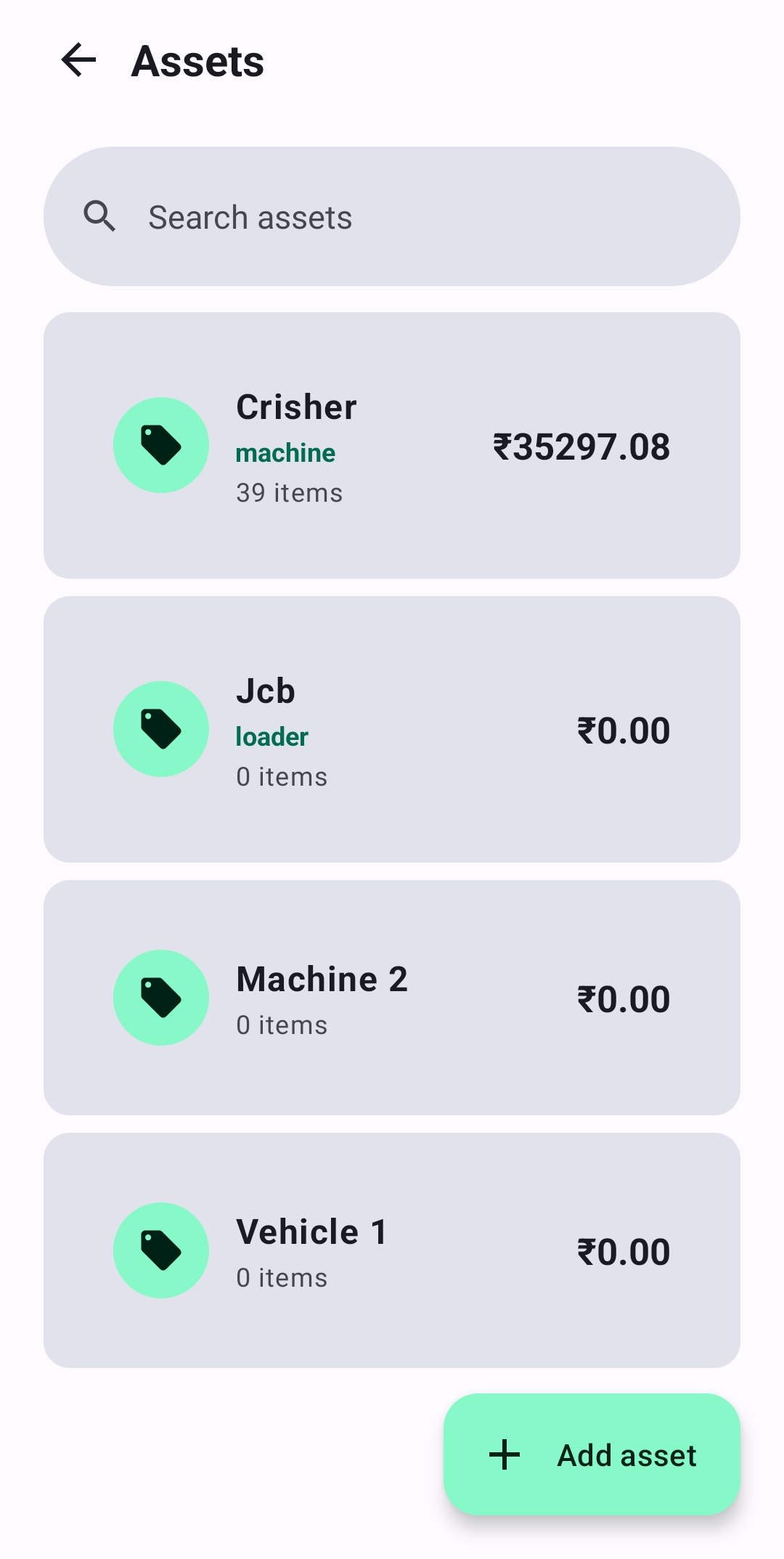
Assets list
№ 01

Assets

Machines, vehicles, properties.

Asset details
№ 02

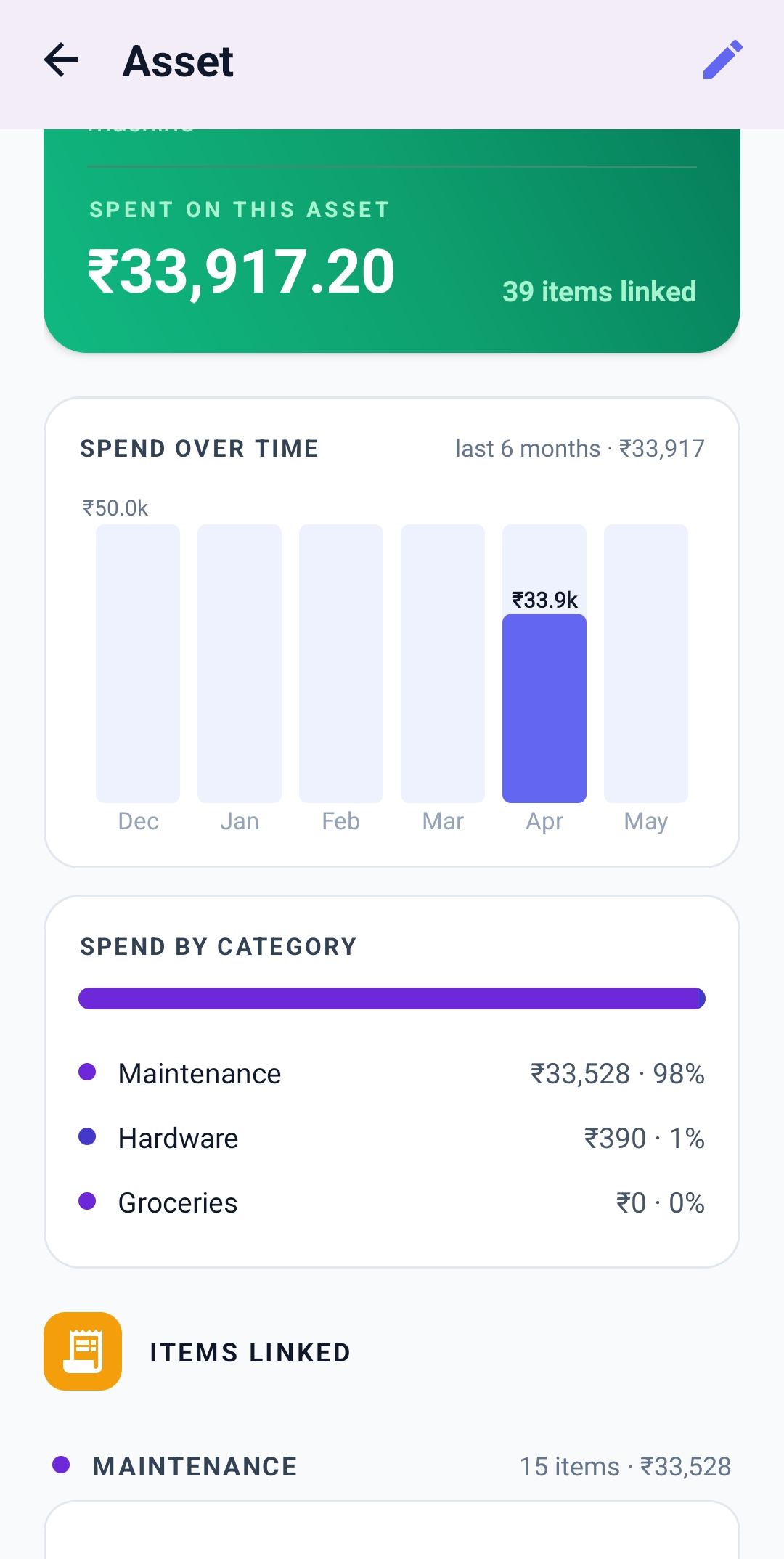
Asset detail

Spend trend & category split.

Bill details
№ 03

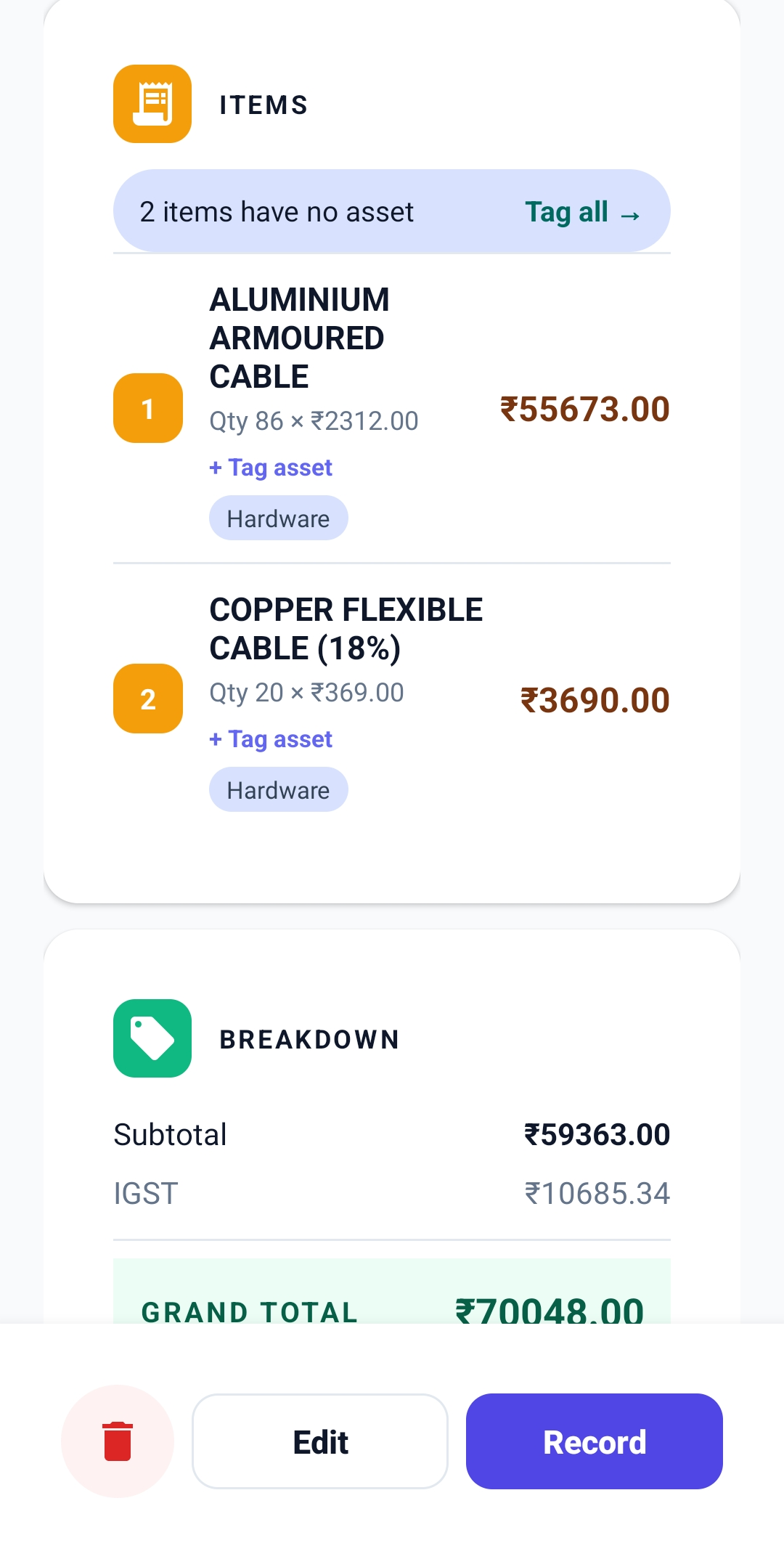
Bill detail

Line items, tags, IGST math.

Vendor details
№ 04

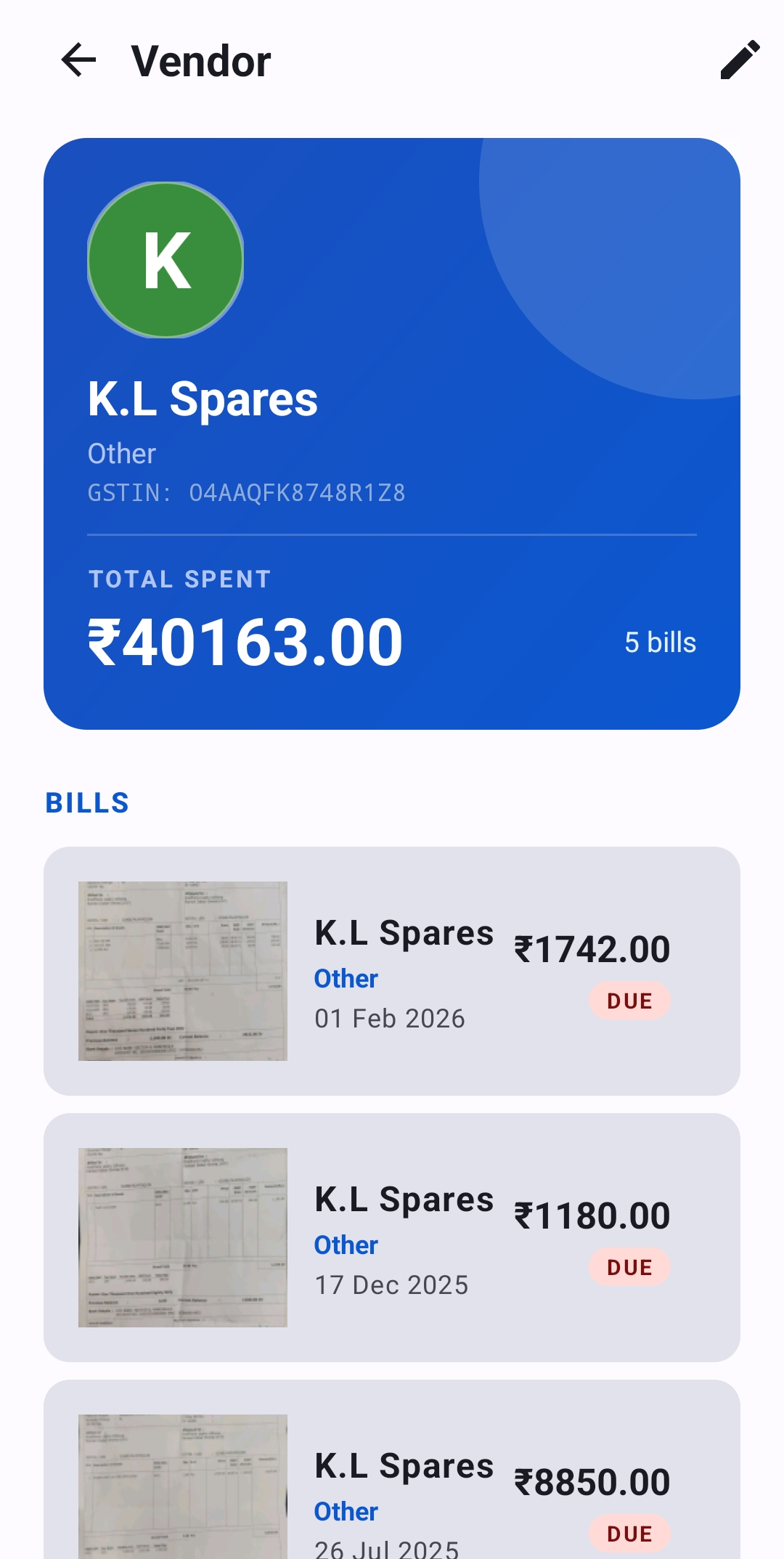
Vendor

GSTIN, total spent, bill history.

GST report
№ 05

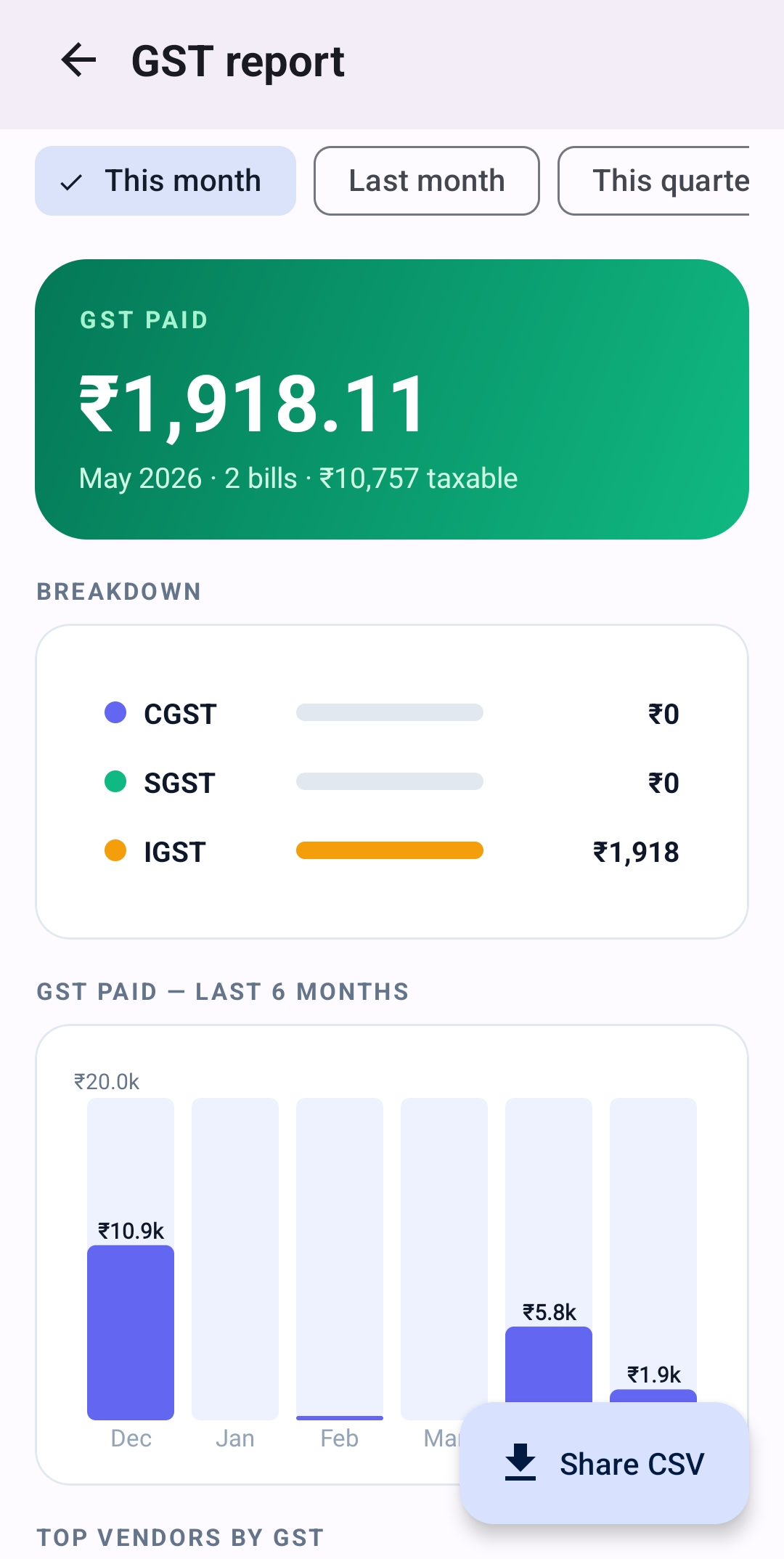
GST report

CGST/SGST/IGST + CSV share.

03 / Workflow

Paper bill to GST report — in four taps.

The whole point: no friction between getting a bill and tracking it.

Step 01

Scan

Point camera at the bill. AI reads it in 5–8s.

Step 02

Review

Form opens pre-filled. Confirm vendor & tags, save.

Step 03

Track

See monthly spend, top vendors, asset roll-ups.

Step 04

File

Share GST CSV to your CA via WhatsApp.

04 / Questions

Frequently asked.

Is VexBill free?+
Yes — free during launch. AI scanning costs are absorbed.
Does it replace Tally or Zoho Books?+
No. VexBill captures bills and feeds clean data to your CA. Tally and Zoho are full accounting suites; VexBill is the layer in front of them.
Can it handle handwritten Hindi receipts?+
Yes. The AI preserves Devanagari in item names and converts Devanagari digits to standard digits in amounts. You can edit anything before saving.
How accurate is the AI?+
Very accurate on printed B2B invoices. Less so on handwritten or angled photos. The app shows you everything extracted before save — you're always in control.
Where does my data live?+
Your private Google Firebase account. No data resold, no ads, no third-party tracking. Receipts pass through Google Gemini for OCR only.
Can I delete my account?+
Yes — Profile → Danger zone → Delete my account. Two-step confirmation, then everything is permanently removed.
Which Android versions are supported?+
Android 7.0 (Nougat) and newer. Android 10+ recommended.

Stop typing bills.
Start scanning them.

Early launch. Install it and tell us what would make it better.

Download for Android →